Maximum Load GPU Burn-in (Furry Donut)
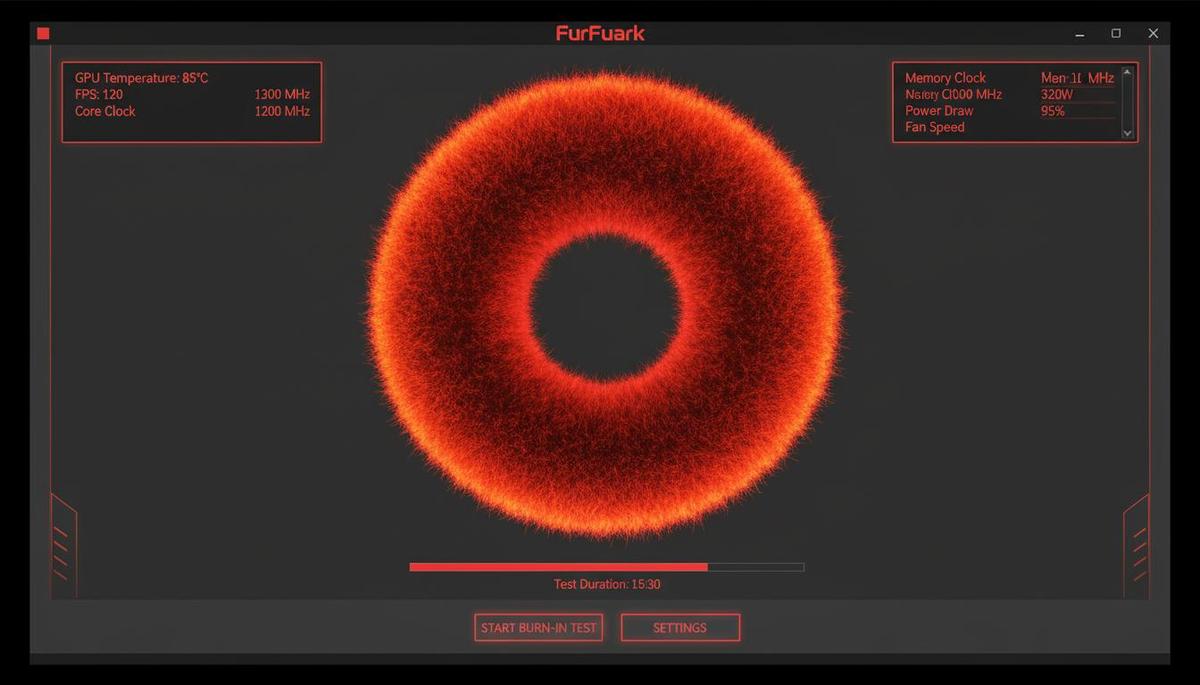
FurMark is renowned for its demanding fur rendering algorithm that drives GPUs to their absolute thermal and power ceiling. This burn-in mode is specifically engineered to produce the highest possible heat output and power consumption.
-
Drive VRMs and capacitors to their rated maximum load.
-
Validate cooling system performance under the most extreme thermal conditions.
-
Spot unstable overclocks within minutes rather than hours.
Full OpenGL and Vulkan API Benchmarking
FurMark does more than generate heat. It functions as a precise benchmarking tool for both OpenGL and Vulkan graphics APIs, enabling performance comparisons across hardware generations and manufacturers.
Resolution Presets
Standardized 1080p, 1440p, and 4K test configurations for comparing against global leaderboards.
Multi-Sample Anti-Aliasing
Evaluate performance impact using MSAA up to 8x to assess frame rate costs and image quality improvements.
Live GPU Temperature Tracking & Tool Integration
Keep tabs on your hardware with comprehensive real-time monitoring. FurMark shows GPU temperature, clock speeds, and utilization directly in the 3D viewport while logging all data to a file for post-test analysis.
GPU-Z and GPU Shark Support
Built-in compatibility with industry-standard monitoring utilities for comprehensive hardware information.
Thermal Trend Visualization
Monitor temperature spikes and thermal throttling patterns as they happen in real-time.
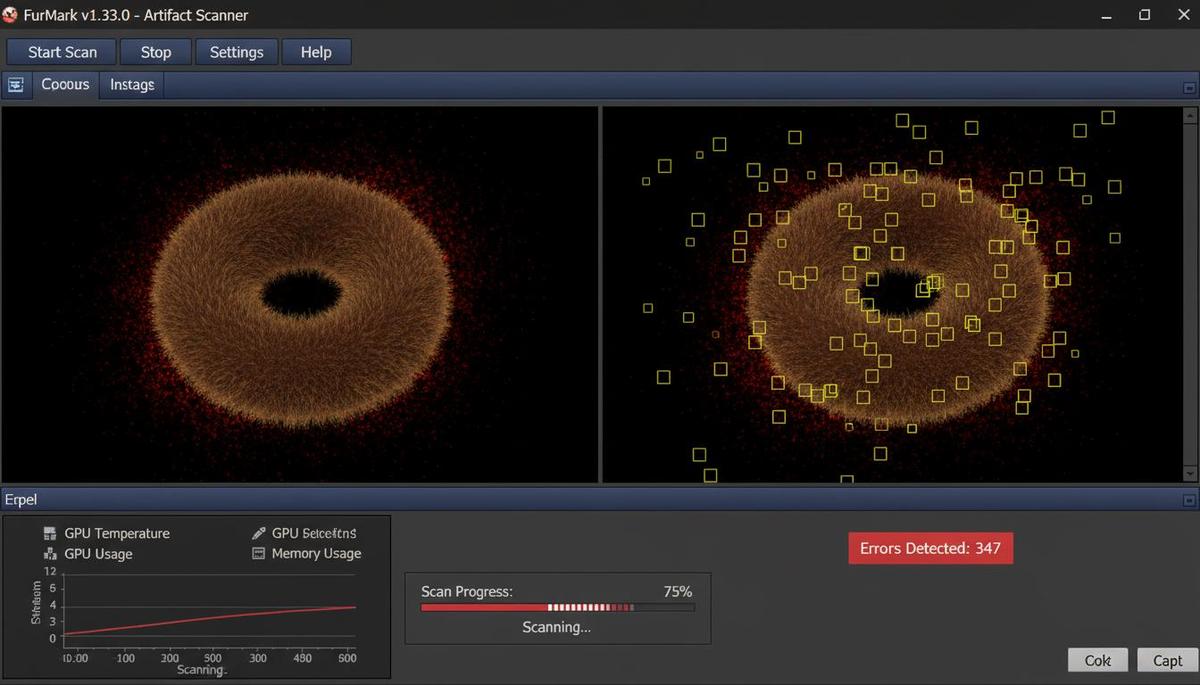
SCAN_STATUS: DETECTING_VISUAL_ERRORS...
The scanner identifies visual anomalies like sparkles, texture corruption, or color banding that indicate GPU failure or excessive overclocking.
Visual Error Detection for Hardware Defects
Going beyond crash detection, FurMark's built-in artifact scanner automatically identifies pixel-level visual glitches that manual inspection would likely miss. This capability is essential for spotting memory errors and GPU core instability.
"FurMark's artifact scanner saved my entire build. It caught memory errors that only surfaced after 20 minutes of testing — errors that would have ruined my gaming sessions down the road."